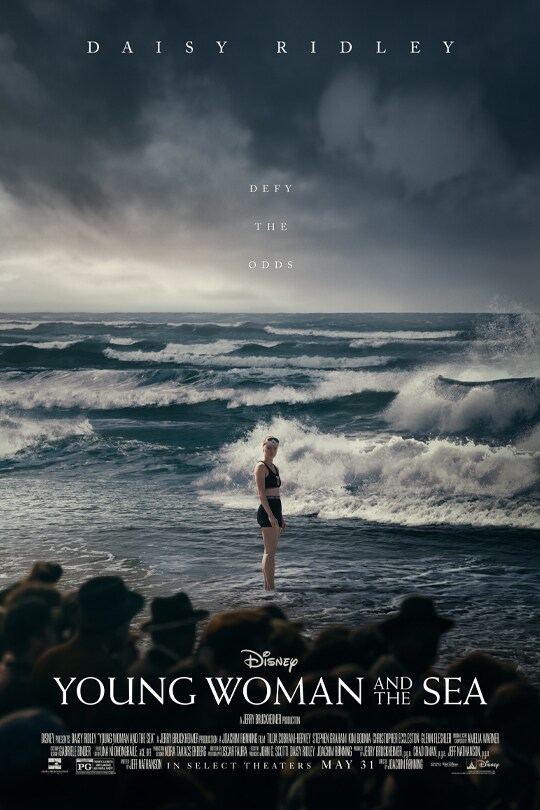
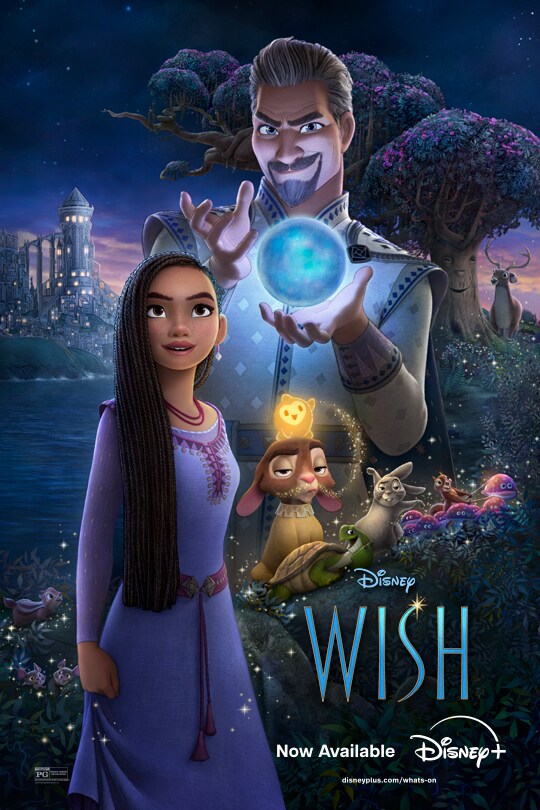
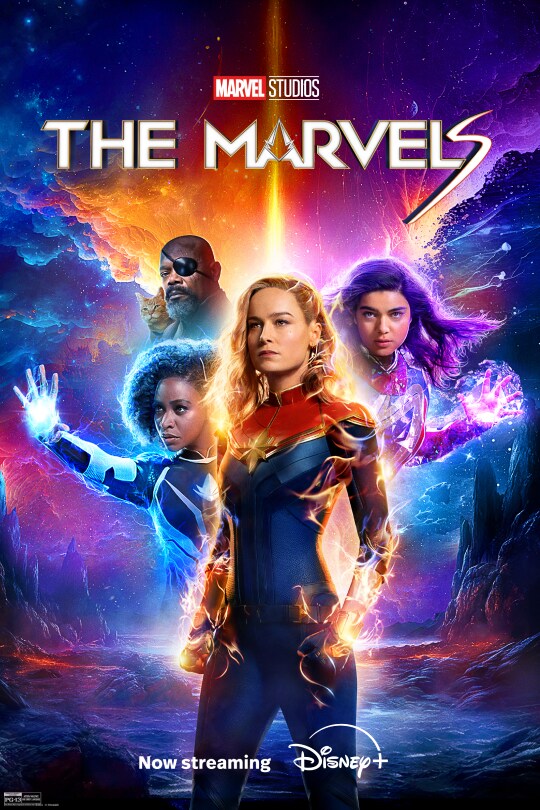
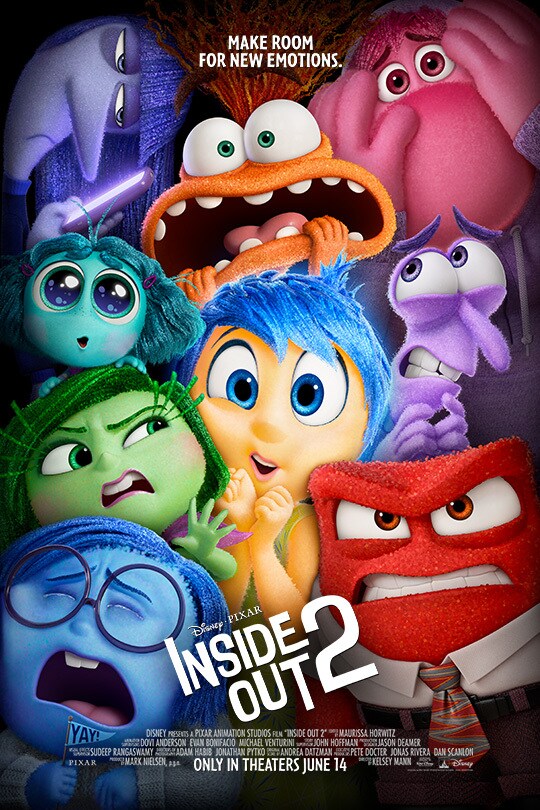
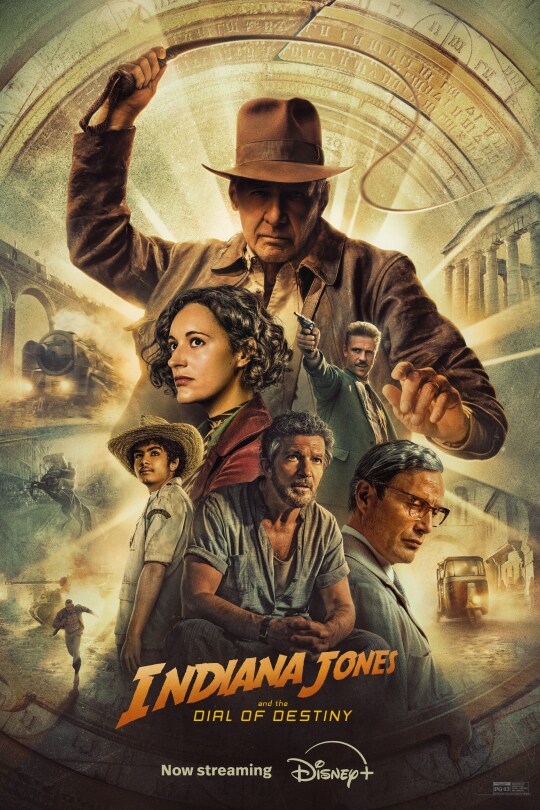
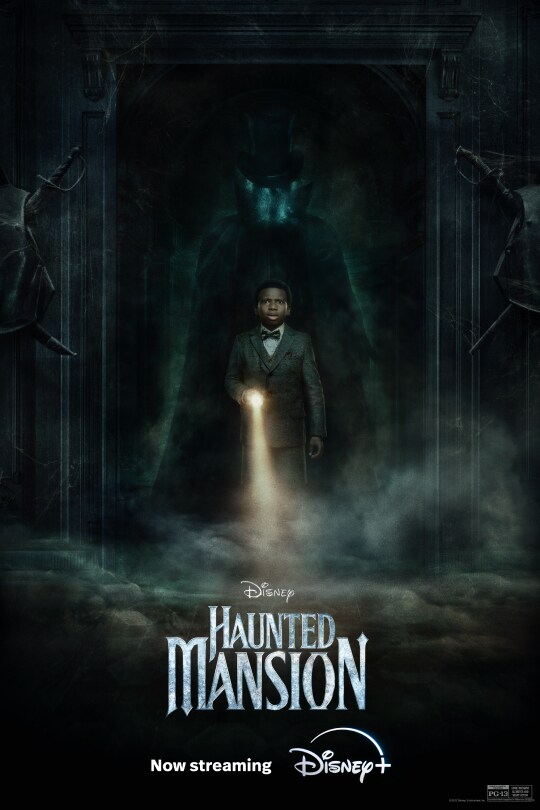
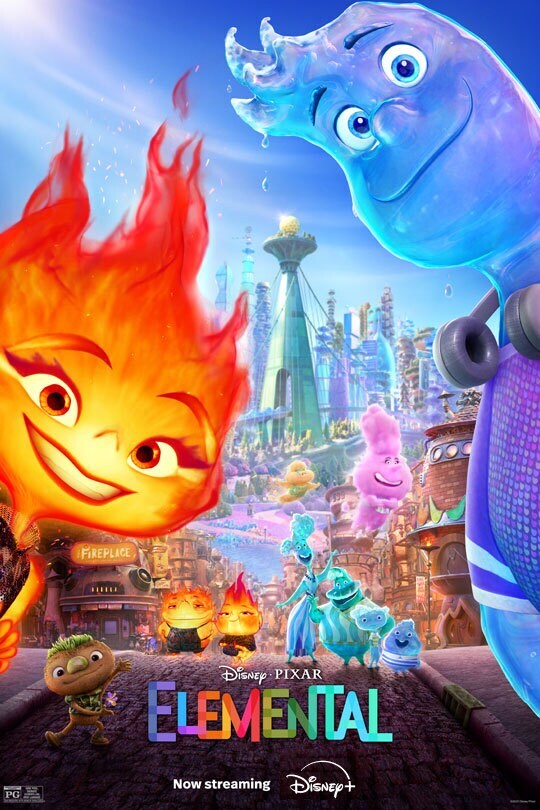
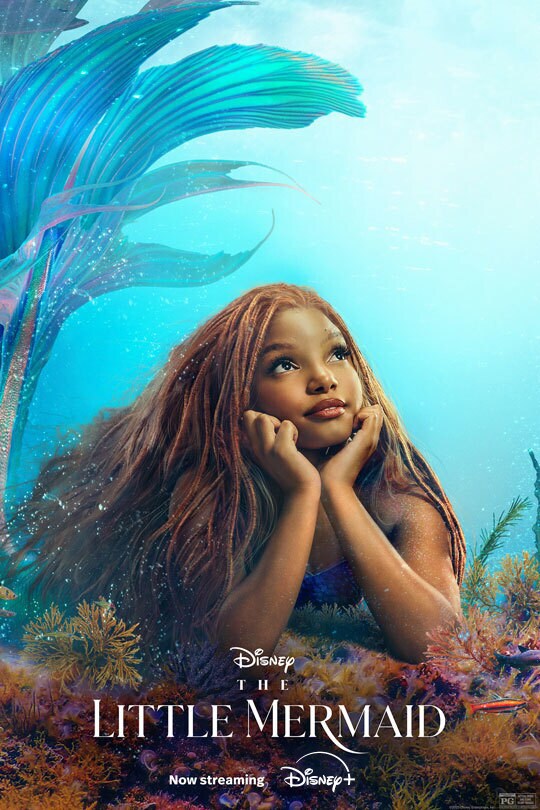
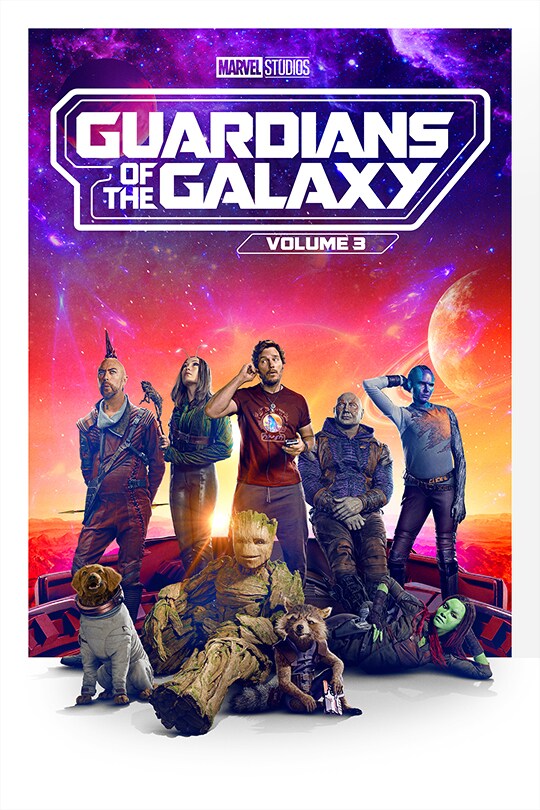
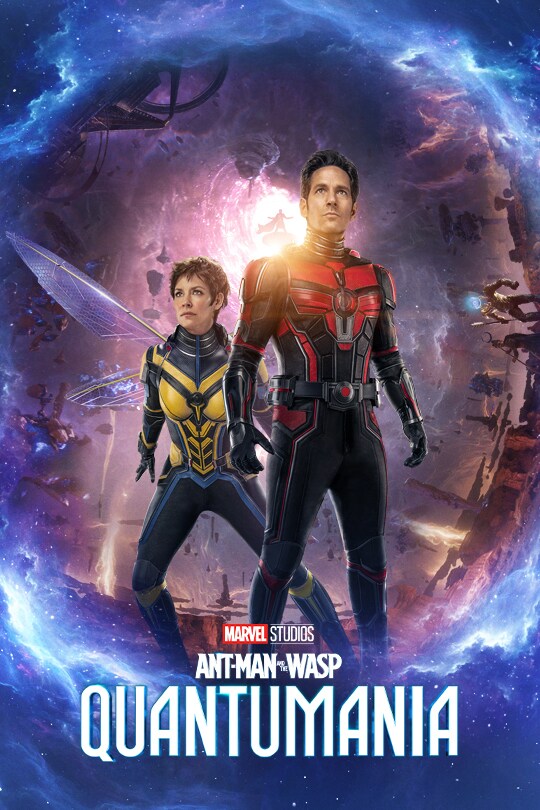
Disney Movies All All All films Young Woman and the Sea Daisy Ridley stars as the accomplished swimmer who was born to immigrant parents in New York City in 1905. Through the steadfast support of her older sister and supportive trainers, she overcame adversity and the animosity of a patriarchal society to rise through the ranks of the Olympic swimming team and complete the staggering achievement – a 21-mile trek from France to England. films Wish In “Wish,” Asha, a sharp-witted idealist, makes a wish so powerful that it is answered by a cosmic force—a little ball of boundless energy called Star. Together, Asha and Star confront a most formidable foe—the ruler of Rosas, King Magnifico—to save her community and prove that when the will of one courageous human connects with the magic of the stars, wondrous things can happen. Featuring the voices of Academy Award®-winning actor Ariana DeBose as Asha, Chris Pine as Magnifico, and Alan Tudyk as Asha’s favorite goat, Valentino, the film is helmed by Oscar®-winning director Chris Buck (“Frozen,” “Frozen 2”) and Fawn Veerasunthorn (“Raya and the Last Dragon”), produced by Peter Del Vecho (“Frozen,” “Frozen 2”) and Juan Pablo Reyes (“Encanto”). Jennifer Lee (“Frozen,” “Frozen 2”) executive produces—Lee and Allison Moore (“Night Sky,” “Manhunt”) are writers on the project. With original songs by Grammy®-nominated singer/songwriter Julia Michaels and Grammy-winning producer/songwriter/musician Benjamin Rice, plus score by composer Dave Metzger. films The Marvels In Marvel Studios’ “The Marvels,” Carol Danvers aka Captain Marvel has reclaimed her identity from the tyrannical Kree and taken revenge on the Supreme Intelligence. But unintended consequences see Carol shouldering the burden of a destabilized universe. When her duties send her to an anomalous wormhole linked to a Kree revolutionary, her powers become entangled with that of Jersey City super-fan Kamala Khan, aka Ms. Marvel, and Carol’s estranged niece, now S.A.B.E.R. astronaut Captain Monica Rambeau. Together, this unlikely trio must team up and learn to work in concert to save the universe as “The Marvels.” The film stars Brie Larson, Teyonah Parris, Iman Vellani, Samuel L. Jackson, Zawe Ashton and Park Seo-joon. Nia DaCosta directs, and Kevin Feige is the producer. Louis D’Esposito, Victoria Alonso, Mary Livanos and Matthew Jenkins serve as executive producers. The screenplay is by Megan McDonnell, Nia DaCosta, Elissa Karasik and Zeb Wells. films Inside Out 2 Disney and Pixar’s “Inside Out 2” returns to the mind of newly minted teenager Riley just as headquarters is undergoing a sudden demolition to make room for something entirely unexpected: new Emotions! Joy, Sadness, Anger, Fear and Disgust, who’ve long been running a successful operation by all accounts, aren’t sure how to feel when Anxiety shows up. And it looks like she’s not alone. Maya Hawke lends her voice to Anxiety, alongside Amy Poehler as Joy, Phyllis Smith as Sadness, Lewis Black as Anger, Tony Hale as Fear, and Liza Lapira as Disgust. Directed by Kelsey Mann and produced by Mark Nielsen, “Inside Out 2” releases only in theaters June 14, 2024. films Indiana Jones and the Dial of Destiny Harrison Ford returns to the role of the legendary hero archaeologist for this fifth installment of the iconic franchise. Starring along with Ford are Phoebe Waller-Bridge (“Fleabag”), Antonio Banderas (“Pain and Glory”), John Rhys-Davies (“Raiders of the Los Ark”), Shaunette Renee Wilson (“Black Panther”), Thomas Kretschmann (“Das Boot”), Toby Jones (“Jurassic World: Fallen Kingdom”), Boyd Holbrook (“Logan”), Olivier Richters (“Black Widow”), Ethann Isidore (“Mortel”) and Mads Mikkelsen (“Fantastic Beasts: The Secrets of Dumbledore”). Directed by James Mangold (“Ford v Ferrari,” “Logan”), the film is produced by Kathleen Kennedy, Frank Marshall and Simon Emanuel, with Steven Spielberg and George Lucas serving as executive producers. John Williams, who has scored each Indy adventure since the original "Raiders of the Lost Ark" in 1981, is once again composing the score. films Moana 2 Walt Disney Animation Studios’ epic animated musical “Moana 2” takes audiences on an expansive new voyage with Moana, Maui and a brand-new crew of unlikely seafarers. After receiving an unexpected call from her wayfinding ancestors, Moana must journey to the far seas of Oceania and into dangerous, long-lost waters for an adventure unlike anything she’s ever faced. films Elio For centuries, people have called out to the universe looking for answers—in Disney and Pixar’s all-new movie “Elio,” the universe calls back! The original feature film introduces Elio, an underdog with an active imagination who finds himself inadvertently beamed up to the Communiverse, an interplanetary organization with representatives from galaxies far and wide. Mistakenly identified as Earth’s ambassador to the rest of the universe, and completely unprepared for that kind of pressure, Elio must form new bonds with eccentric alien lifeforms, survive a series of formidable trials and somehow discover who he is truly meant to be. Directed by Adrian Molina (screenwriter and co-director of “Coco”) and produced by Mary Alice Drumm (associate producer of “Coco”), the film features the voices of America Ferrera as Elio’s mom, Olga; Jameela Jamil as Ambassador Questa; Brad Garrett as Ambassador Grigon; and Yonas Kibreab as the title character. films Haunted Mansion Inspired by the classic theme park attraction, “Haunted Mansion” is about a woman and her son who enlist a motley crew of so-called spiritual experts to help rid their home of supernatural squatters. films Elemental Disney and Pixar’s “Elemental” is an all-new, original feature film set in Element City, where fire-, water-, land- and air residents live together. The story introduces Ember, a tough, quick-witted and fiery young woman, whose friendship with a fun, sappy, go-with-the-flow guy named Wade challenges her beliefs about the world they live in. films The Little Mermaid "The Little Mermaid" is visionary filmmaker Rob Marshall’s live-action reimagining of Disney’s beloved animated musical classic, the story of Ariel, a beautiful and spirited young mermaid with a thirst for adventure. The youngest of King Triton’s daughters and the most defiant, Ariel longs to find out more about the world beyond the sea and, while visiting the surface, falls for the dashing Prince Eric. While mermaids are forbidden to interact with humans, Ariel must follow her heart. She makes a deal with the evil sea witch, Ursula, which gives her a chance to experience life on land but ultimately places her life – and her father’s crown – in jeopardy. “The Little Mermaid” is directed by Rob Marshall with a screenplay by David Magee, and is produced by Marc Platt, Lin-Manuel Miranda, John DeLuca and Rob Marshall. films Guardians of the Galaxy Vol. 3 In Marvel Studios' “Guardians of the Galaxy Vol. 3” our beloved band of misfits are looking a bit different these days. Peter Quill, still reeling from the loss of Gamora, must rally his team around him to defend the universe along with protecting one of their own. A mission that, if not completed successfully, could quite possibly lead to the end of the Guardians as we know them. James Gunn writes and directs “Guardians of the Galaxy Vol. 3,” which stars Chris Pratt, Zoe Saldana, Dave Bautista, Karen Gillan, Pom Klementieff, featuring Vin Diesel as Groot, Bradley Cooper as Rocket, Sean Gunn, Chukwudi Iwuji, Will Poulter and Maria Bakalova. Kevin Feige is the producer and Louis D’Esposito, Victoria Alonso, Nikolas Korda, Simon Hatt and Sara Smith serve as executive producers. films Marvel Studios' Ant-Man and The Wasp: Quantumania In the film, which officially kicks off phase 5 of the Marvel Cinematic Universe, Super-Hero partners Scott Lang (Paul Rudd) and Hope Van Dyne (Evangeline Lilly) return to continue their adventures as Ant-Man and The Wasp. Together, with Hope’s parents Hank Pym (Michael Douglas) and Janet Van Dyne (Michelle Pfeiffer), the family finds themselves exploring the Quantum Realm, interacting with strange new creatures and embarking on an adventure that will push them beyond the limits of what they thought was possible. Jonathan Majors joins the adventure as Kang. Show More Loading...
 Disney.com